All your sources. Every screen. One app.
Xtream Codes, M3U and addons in one player, with a real programme guide.
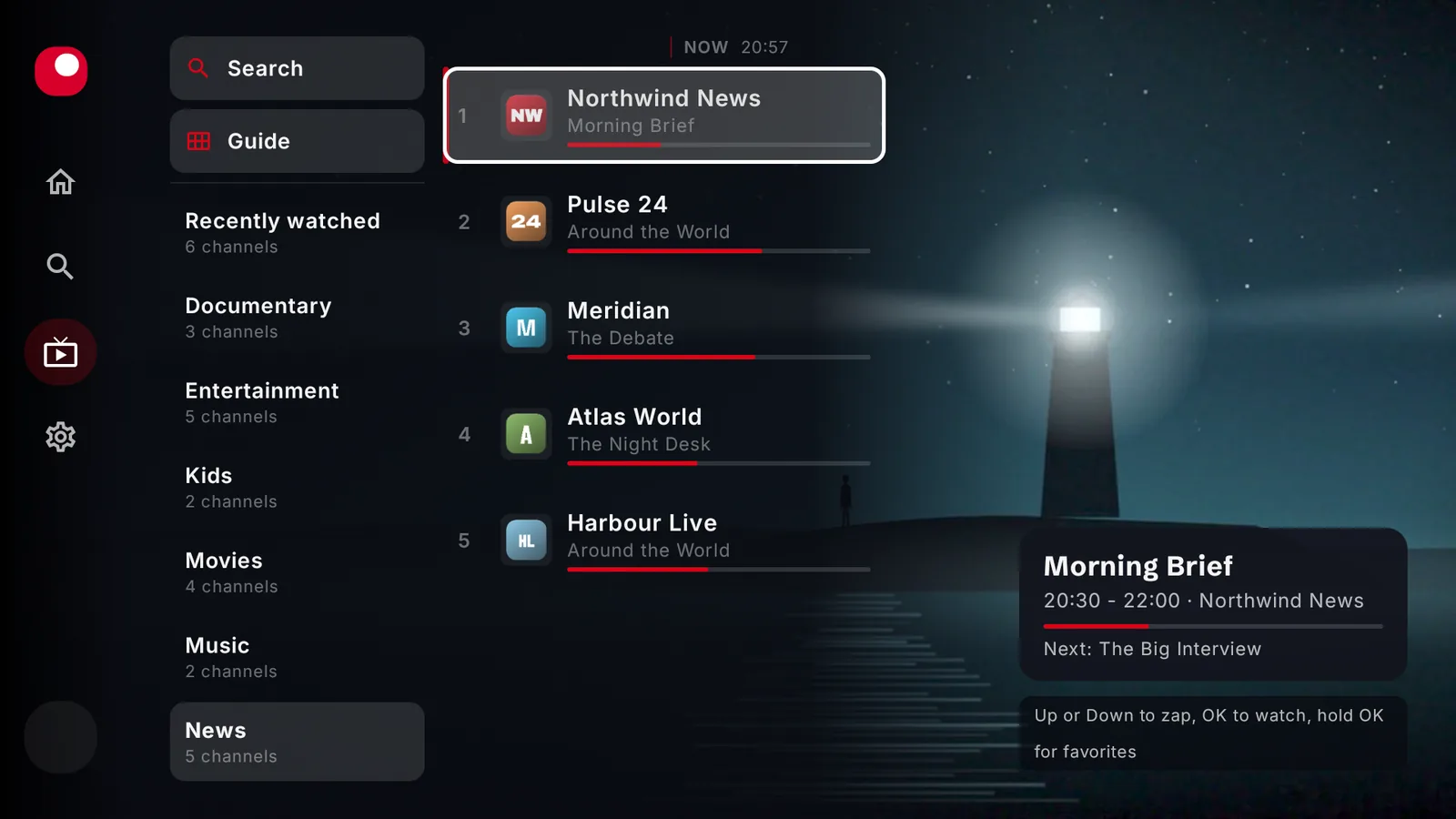
Three kinds of sources. Until now, three apps.
Some play live channels, others on-demand. BoTV plays both.
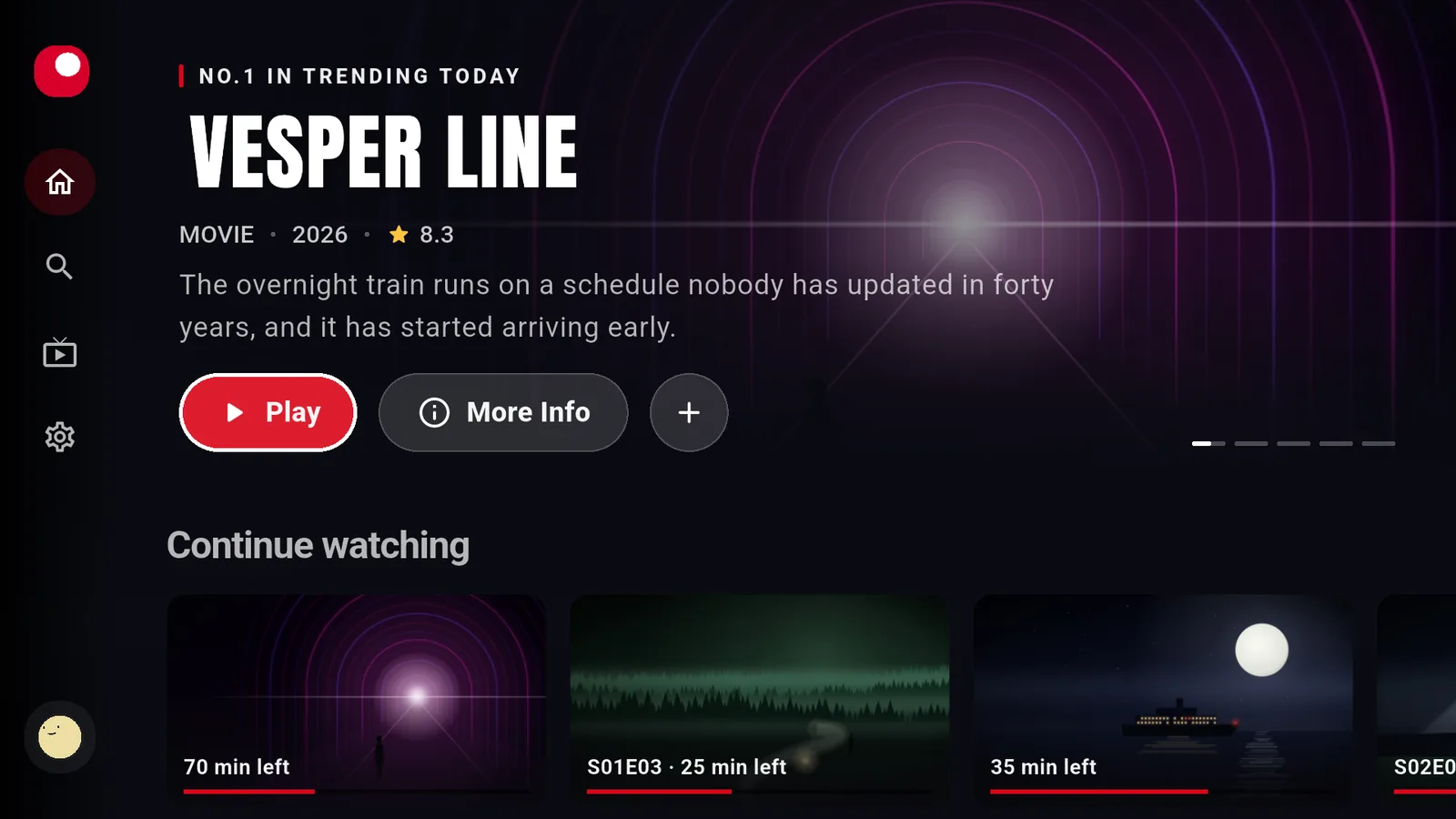
A programme guide, not a channel list.
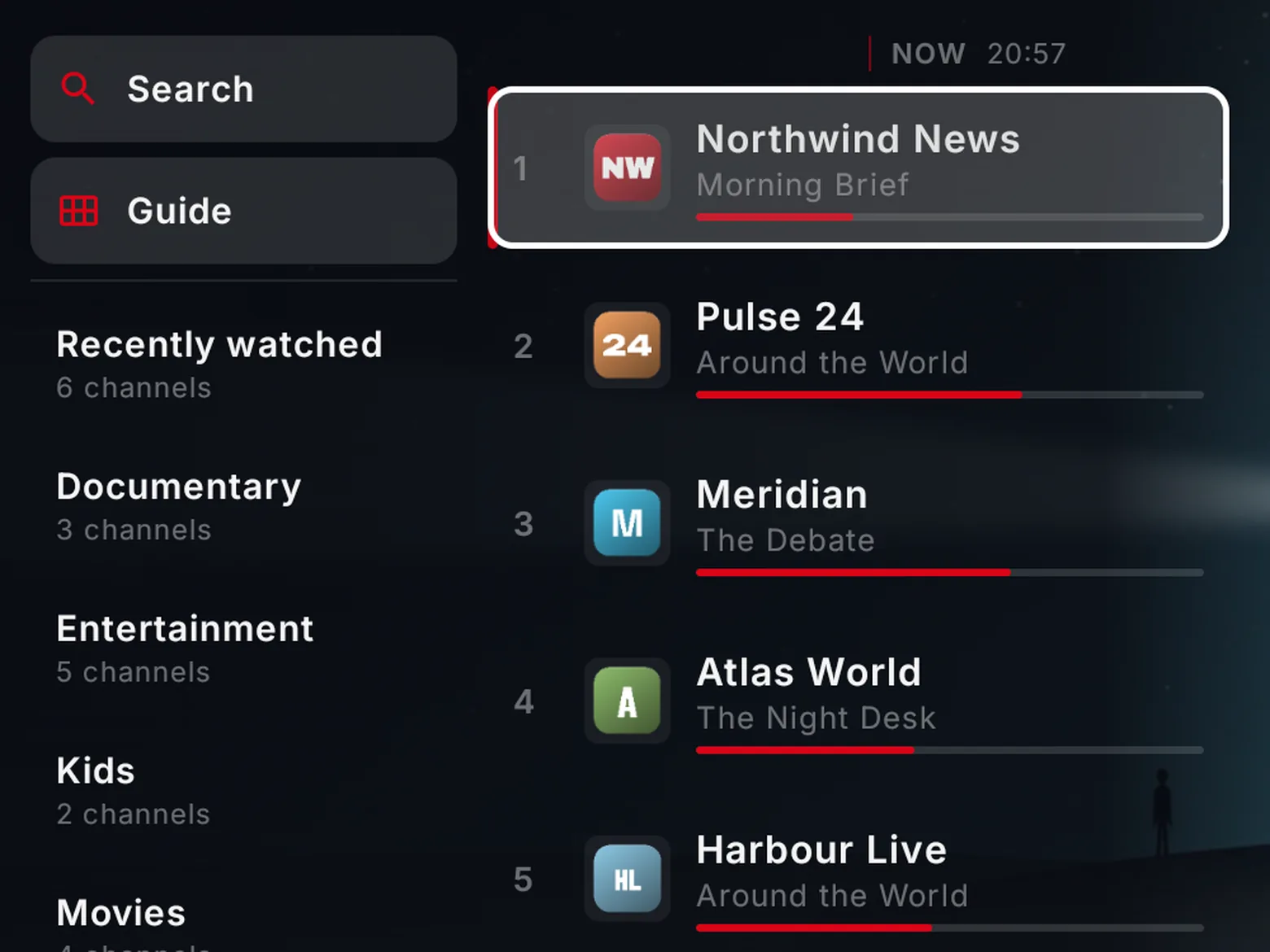
Groups and favourites
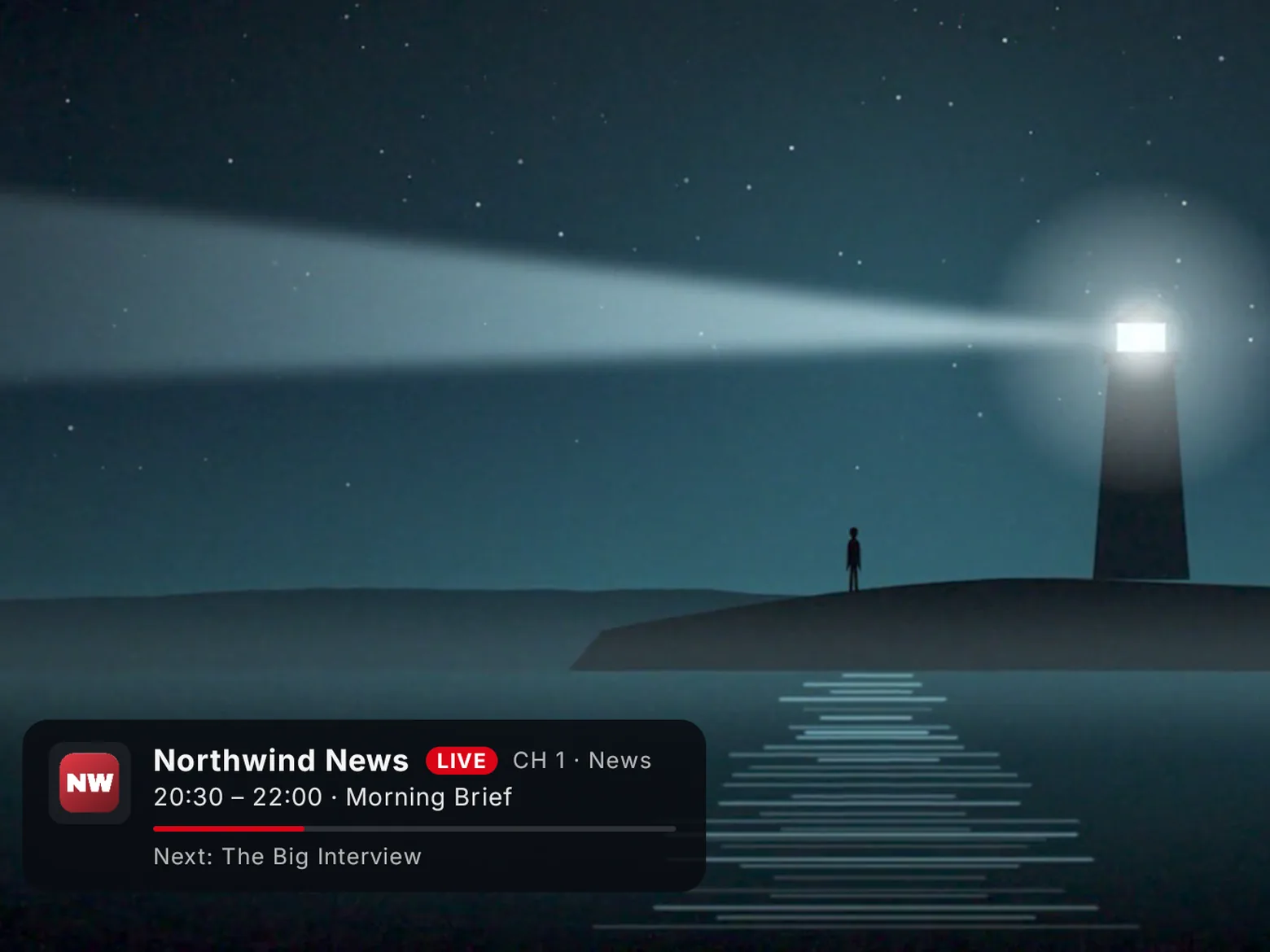
Now and next
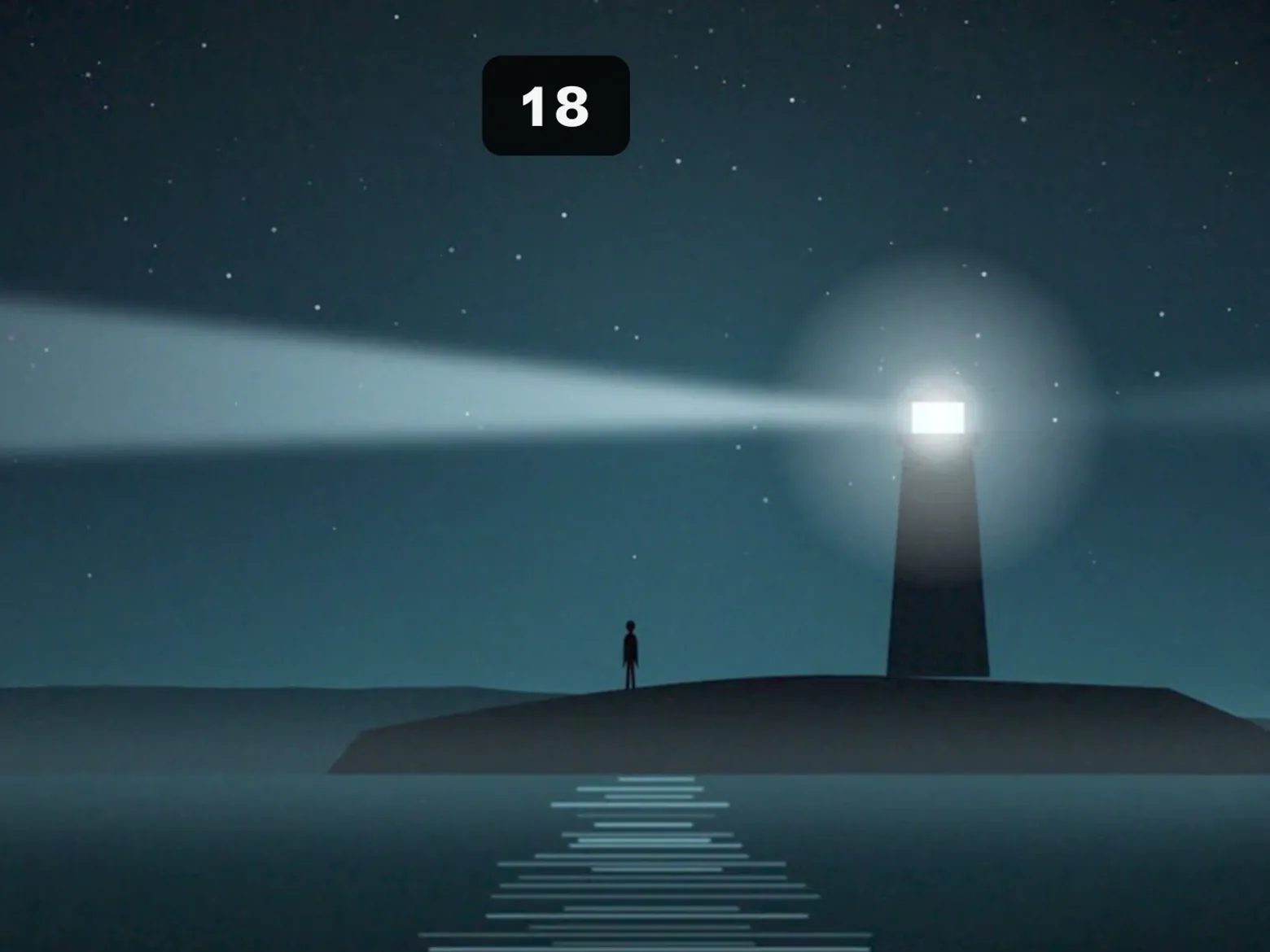
Instant zapping
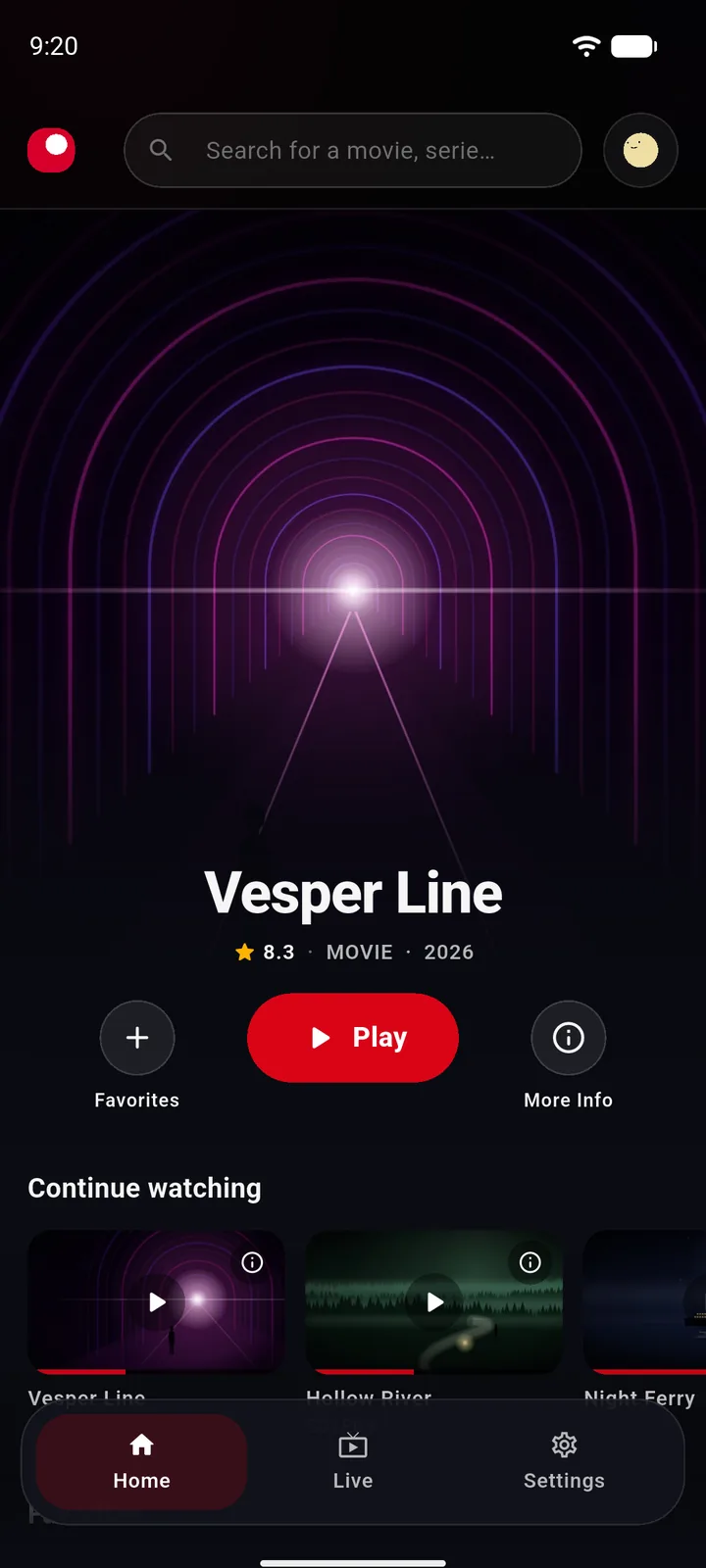
Start on one screen. Finish on another.
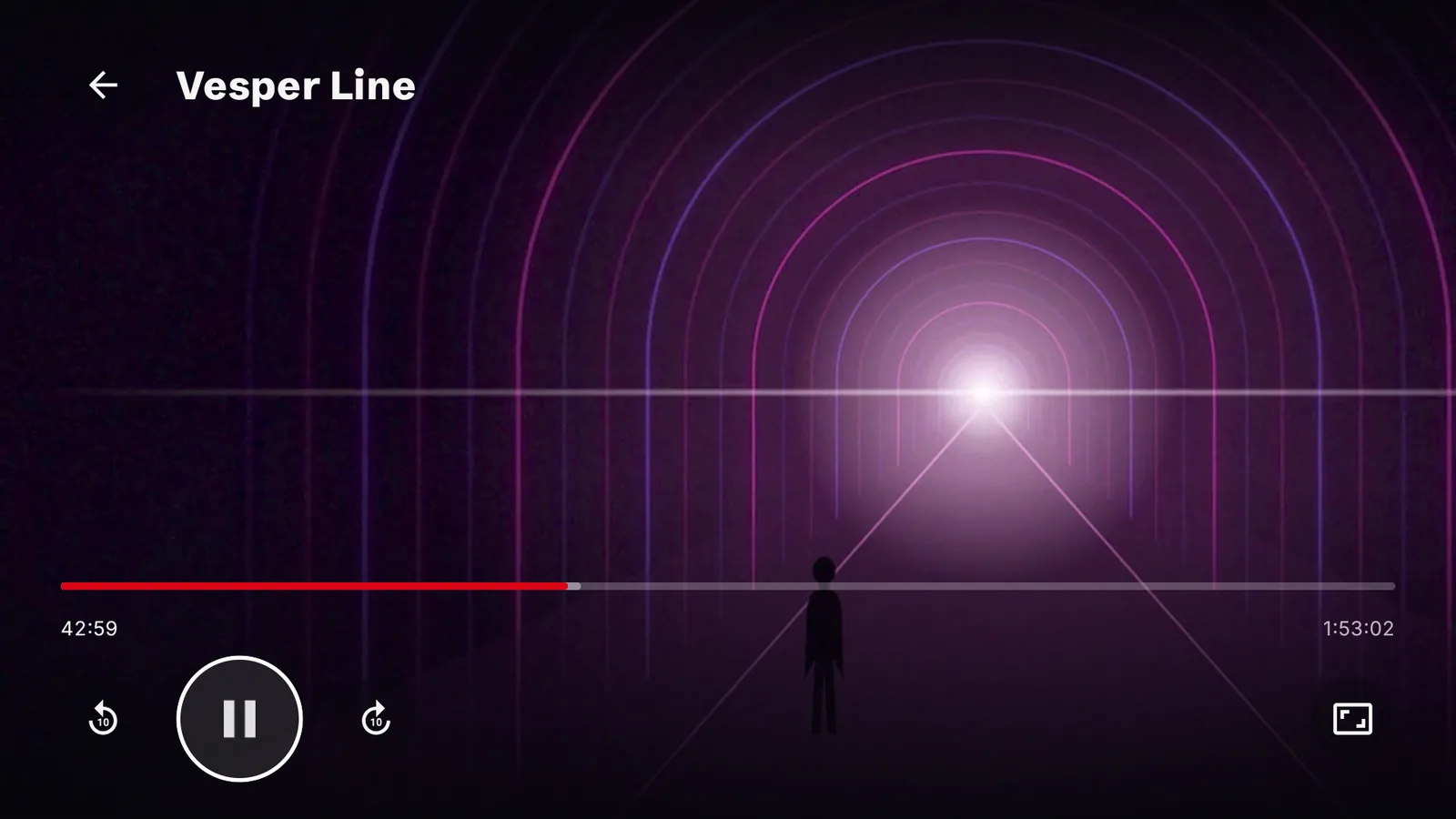
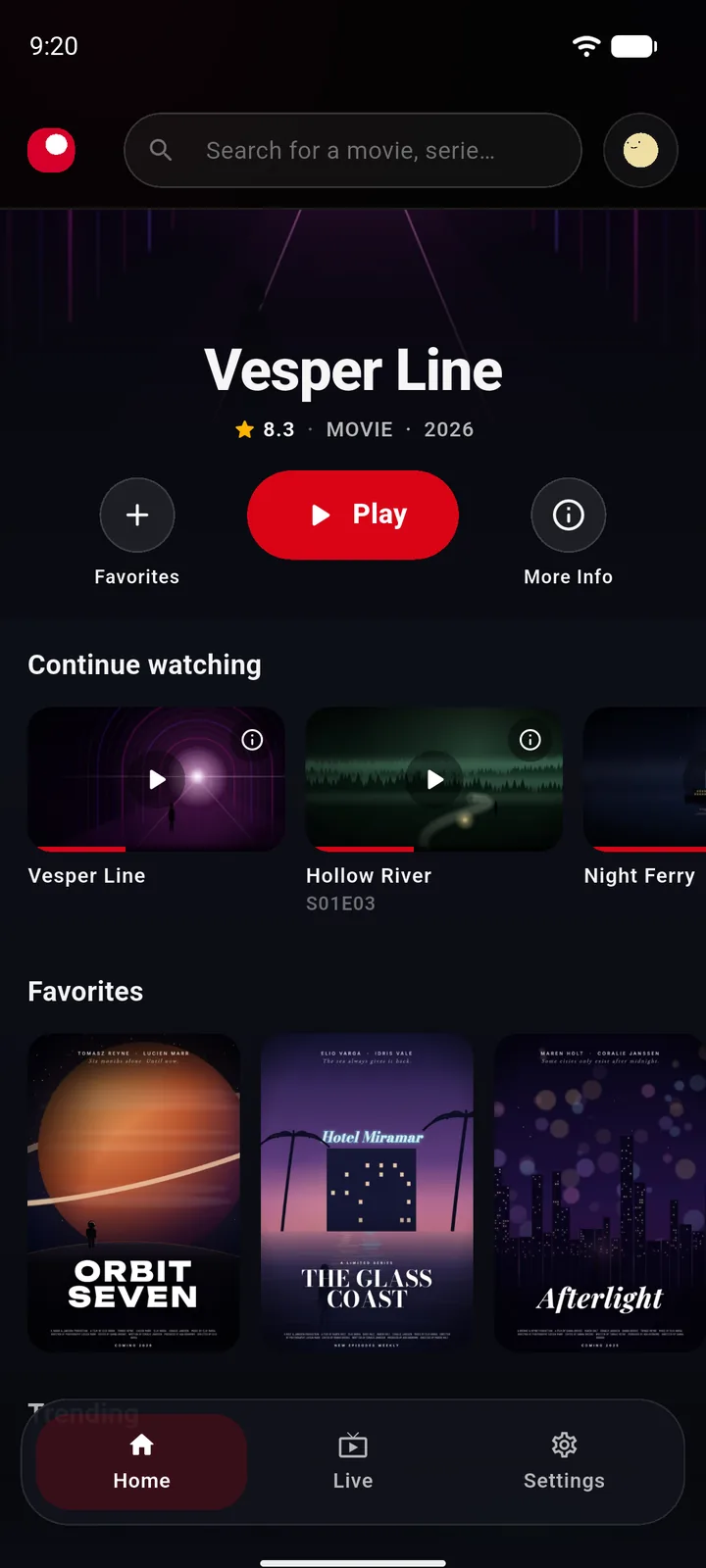
No ads. No tracking of what you watch.
BoTV is a media player. It provides no content, channels or subscriptions. You connect your own legal sources.
One account. Three screens.
TV
Android TV · Google TV · Fire TV
In Downloader or the TV's browser:
botv.app/tv
Soonon Google Play for Android TV and Google TV
Computer
Windows · macOS
Phone
Android